
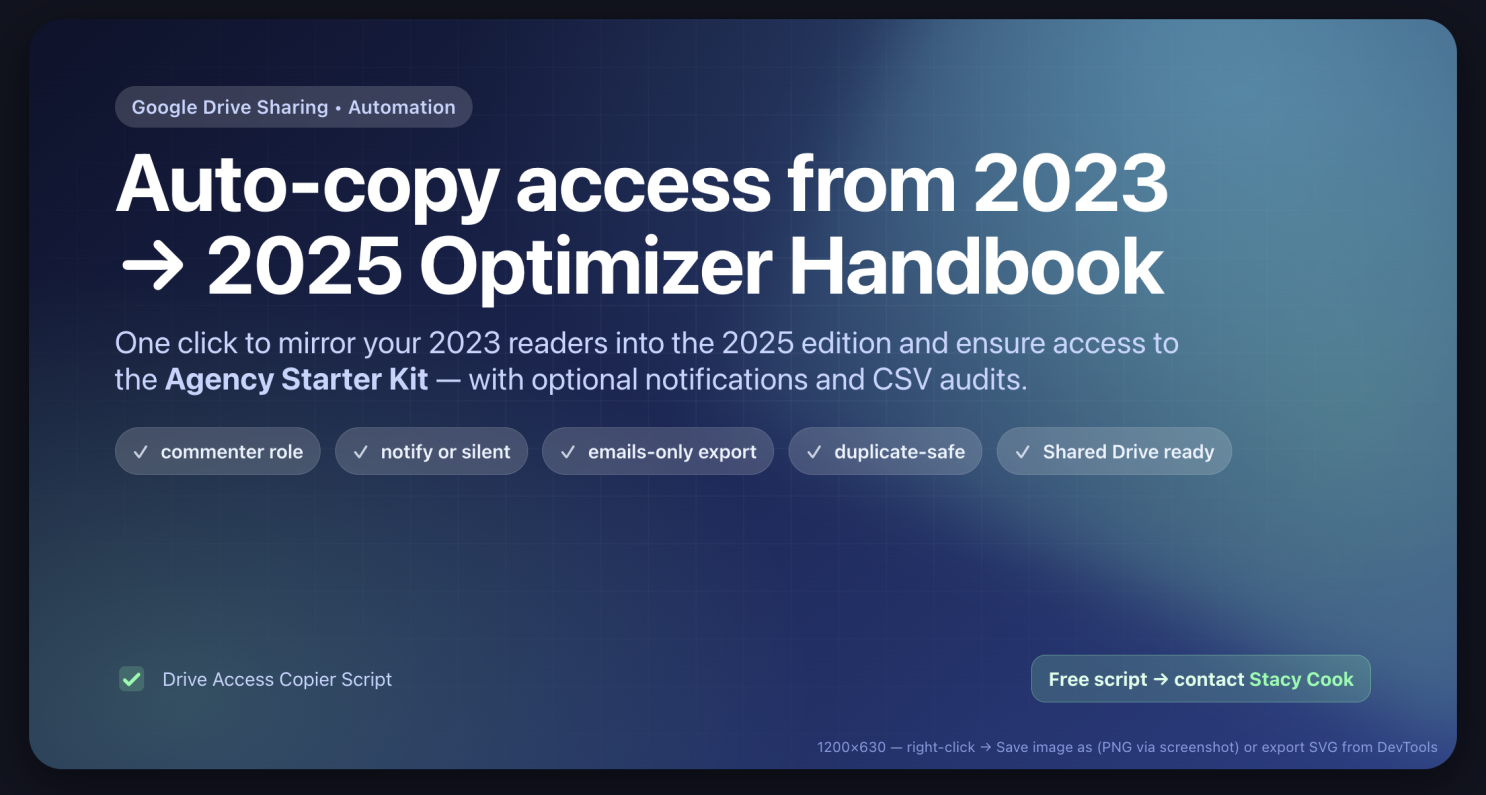
TL;DR: we wrote a small Google Apps Script that reads the share list from File A (our 2023 Handbook), applies it to File B (the 2025 Handbook) with the correct role (commenter), can notify people, and produces CSV audits. We also used it to ensure everyone had access to our Agency Starter Kit download bundle. Want the script? It's free, email Stacy Cook and he'll send it over.
Why we built it
We had a few dozen collaborators, partners, and readers with access to the 2023 Optimizer Handbook. When the 2025 edition was ready, manually re-adding everyone (and sanity-checking access to our Agency Starter Kit bundle) was tedious and error-prone. The script automates the boring parts:
- Copies the exact people who had access before
- Upgrades anyone who was only viewer/reader to commenter
- Notifies them about the new access (optional)
- Audits who got added/upgraded/skipped, so we can prove it
What the script does (high-level)
- Reads all permissions from a source Google Drive file (e.g., 2023 Handbook).
- Compares with the target file (e.g., 2025 Handbook).
- Creates missing principals on the target as commenter.
- Upgrades existing reader to commenter.
- Skips anyone already commenter or higher (writer, organizer, owner).
- Optionally notifies via Google's share email (you control this).
- Logs everything and can export CSVs for audits and email import lists.
- Works with personal My Drive and Shared Drives.
We also ran it against our Agency Starter Kit download bundle, same idea: ensure the whole audience had access without hand-adding anyone.
Key features you'll care about
- Dry-Run mode: see exactly what would happen (create/upgrade/skip) without changing anything.
- Email notifications: toggle on/off; add a custom message.
- Clean email export (single column): perfect for ESPs like Flodesk, deduped, validated, lowercase.
- Results CSV: shows created | upgraded | skipped | filtered | failed per person.
- "Anyone with link" / domain access: optionally replicate (disabled by default).
- Duplicate & role safety: never downgrades; never double-adds.
- Shared Drive-friendly: sets supportsAllDrives=true under the hood.
- No extra libraries: pure Google Apps Script with Drive v3 REST.
Error checking & safeguards
- Permissions check: if you can't manage sharing on the target, you'll see a clear 403/404 error.
- Role logic: only creates when missing, upgrades reader → commenter, skips commenter+.
- Config validation: won't run if file URLs/IDs aren't set.
- Rate-limit safe defaults: single-pass operations with helpful logs; easy to add backoff if you need it.
- CSV audit trail: who was added/upgraded vs already present; reproducible and reviewable.
Config knobs (simple, at the top)
// Edit these before running
const SOURCE_URL = '... 2023 file URL or ID...';
const TARGET_URL = '... 2025 file URL or ID...';
const DRY_RUN = true; // simulate first; set false to apply
const NOTIFY = false; // true = send Google share emails
const EMAIL_MESSAGE = 'You now have commenter access to the 2025 Handbook.';
const CREATE_CSV = true; // export full source share list
const EMAILS_CSV_NAME = 'flodesk_emails.csv'; // one-column emails export
// Optional: include Google Groups / owners in the emails export
const INCLUDE_GROUPS_IN_EMAILS = false;
const INCLUDE_OWNERS_IN_EMAILS = false;
We ship two exports:
• Share list CSV for audit;
• Emails-only CSV (single email column) for services like Flodesk.
How we used it (our playbook)
- Set SOURCE_URL = 2023 Handbook, TARGET_URL = 2025 Handbook.
- Run Dry-Run to confirm: see rows of create/upgrade/skip.
- Flip DRY_RUN = false, set NOTIFY = true with a short message.
- Re-run to apply; verify summary: "Created: X; Upgraded: Y; Failed: 0".
- Run emails export and import the clean CSV to Flodesk.
- Repeat the same for the Agency Starter Kit bundle.
Other handy uses
- Migrate sharing to a re-branded or re-organized file (keep the audience).
- Clone access across template → new release cycles (handbooks, catalogs, pricing sheets).
- Catch-up sharing after moving a file into a Shared Drive.
- Grant temporary access to an event packet, then quickly audit or revoke later.
- Batch notify collaborators when a new edition drops.
- QA reports: verify who actually has access (and at what role).
- Marketing ops: export addresses for ESPs (emails-only CSV), optionally excluding internal domains.
- Education/Non-profit: keep cohorts in sync across yearly curricula or handouts.
Get the script (free)
We're happy to share it. Contact Stacy Cook and he'll send you the latest version plus a quick setup guide. No strings attached.
Quick setup (3 minutes)
- Open script.google.com → new project → paste the code.
- Fill in SOURCE_URL and TARGET_URL.
- Run in DRY_RUN first.
- Flip DRY_RUN = false when ready; set NOTIFY = true if you want emails.
- Check the Logs and the results CSV.
FAQ
Will people be notified?
Only if you set NOTIFY = true. Otherwise it's silent.
Does it downgrade writers to commenter?
No. It never downgrades. Writers/organizers/owners are left as-is.
What about "Anyone with the link"?
You can replicate public/domain sharing by enabling those flags, but they're off by default.
Can it run on folders?
Yes with a tiny tweak, iterate children and call the same functions. We can share a folder-wide version if you need it.
If you want a copy or help tailoring it to your workflow, just reach out to Stacy Cook. Happy shipping! 🚀
a. Want a folder-wide edition with progress + backoff + resumable CSV?
b. Prefer a minimal "one-click" UI (menu + prompts) so non-technical teammates can run it?